
Everything you need to contextualize your civil engineering project.

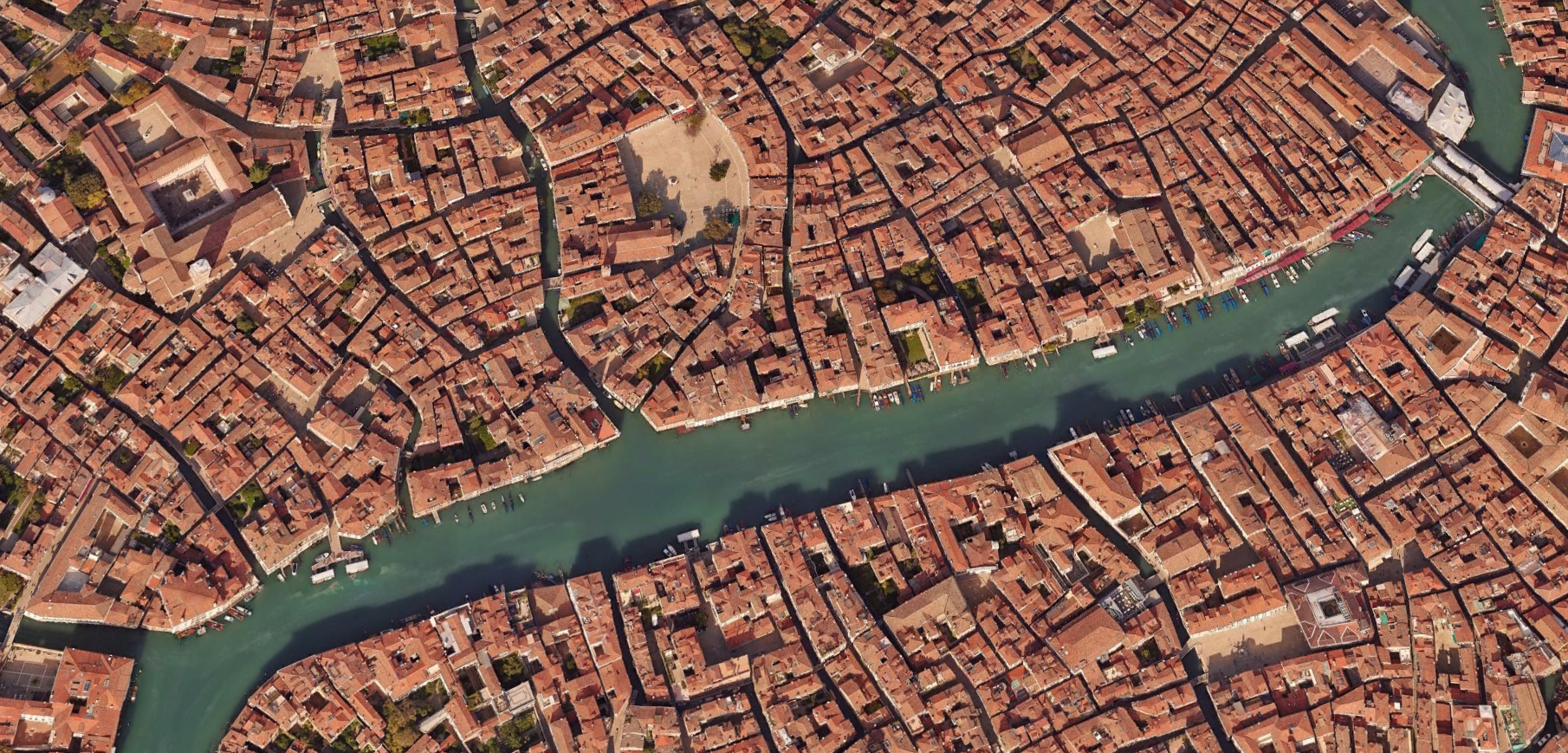
Crisp, up-to-date aerial imagery you can trust.
Reliable elevation & terrain models.
Consistent, georeferenced files.
Same workflows, but faster with Plex-Earth.
Plex-Earth runs on top of AutoCAD, Civil 3D, BricsCAD, and other popular CAD tools. No new tools to learn, no context switching.
High-quality imagery, already on datum and to scale.
Plex-Earth connects your AEC drawings to real-world coordinates, so every image you bring in lands exactly where it should. No more guessing scales, manually nudging screenshots, or praying your SID file doesn’t crash the model.

From raw terrain to usable contours in minutes.
Import terrain data, generate contours, and run quick cut/fill estimates directly inside your favorite CAD tools. Plex-Earth gives you consistent terrain models to work from, so early grading decisions, feasibility checks, and budget conversations don’t depend on external teams or expensive surveys.

Roll back the clock on your project area.
With Timeviews, your team can step through more than a decade of high-quality satellite imagery from partners like Airbus and Maxar, right inside their drawings. Quickly review pre-construction conditions, monitor project progress, or assess the impact of natural and man-made changes.

The best aerial imagery from leading industry providers, without separate contracts.
Plex-Earth plugs your designs straight into imagery from Vexcel, Nearmap, Hexagon, Airbus, Vantor (formerly Maxar), plus familiar basemaps like Google Maps and Azure Maps.





See your design in its real-world setting.
With Plex-Earth, your designers can instantly visualize linework, corridors, and site layouts in Google Earth.
Sanity-check design decisions as a team and walk external stakeholders through what’s planned, where it's planned, and how it fits into the existing environment.

-
Most customers rely on Plex-Earth for preliminary work: understanding existing site conditions, checking constraints, sizing rough earthworks, and aligning internally before even setting a foot on the site. It’s a fast way for multiple designers to get on the same page about what’s on site and what’s realistically possible.
-
Plex-Earth uses data from leading imagery and elevation providers, so accuracy depends on the original source, location, resolution, and capture date. In practice, it’s well-suited for preliminary design, feasibility studies, and visualization, but it does not replace certified local surveys or as-built measurements for work with strict accuracy requirements. For exact figures in a given area, always refer to the metadata or the provider’s published specifications.
-
Default basemaps (like Google Maps or Azure Maps) are great for a quick view, but they can be outdated or low resolution in some areas. Premium partners such as Airbus, Maxar, Nearmap, and Hexagon offer sharper, more recent imagery or specialized coverage, which is especially valuable for dense urban sites, complex corridors, or high-stakes projects.
-
Typical industries include:
Civil engineering and land development
Transportation and infrastructure (roads, rail, corridors)
Telecom and utilities (long linear projects)
Solar and other renewable energy projects
Municipal and public works
Architecture and urban planning
-
For multi-designer teams, you can roll out Plex-Earth centrally and scale as you go:
Choose from monthly, annual, or perpetual plans depending on how you budget for software.
Use standalone or floating licenses, managed via the cloud.
Start with a team-wide trial so multiple designers can test it on real projects before you commit.
Add more users later as new projects or offices come online, without reworking your whole setup.
-
Compatibility includes:
AutoCAD, Civil 3D®, AutoCAD Map 3D, AutoCAD Architecture, AutoCAD Electrical, AutoCAD Mechanical, AutoCAD MEP, AutoCAD Plant 3D: 2026 , 2025 , 2024 , 2023 , 2022 , 2021 , 2020
BricsCAD (Pro, Mechanical, BIM, Ultimate): V25 , V24 , V23 , V22 , V21
For more information, check out our support articles or speak to our team.
You might be wondering…
Make better decisions with confidence.
Sign up for a free trial of Plex-Earth and see how quickly your team can move from blank drawings to geolocated, visual designs.