
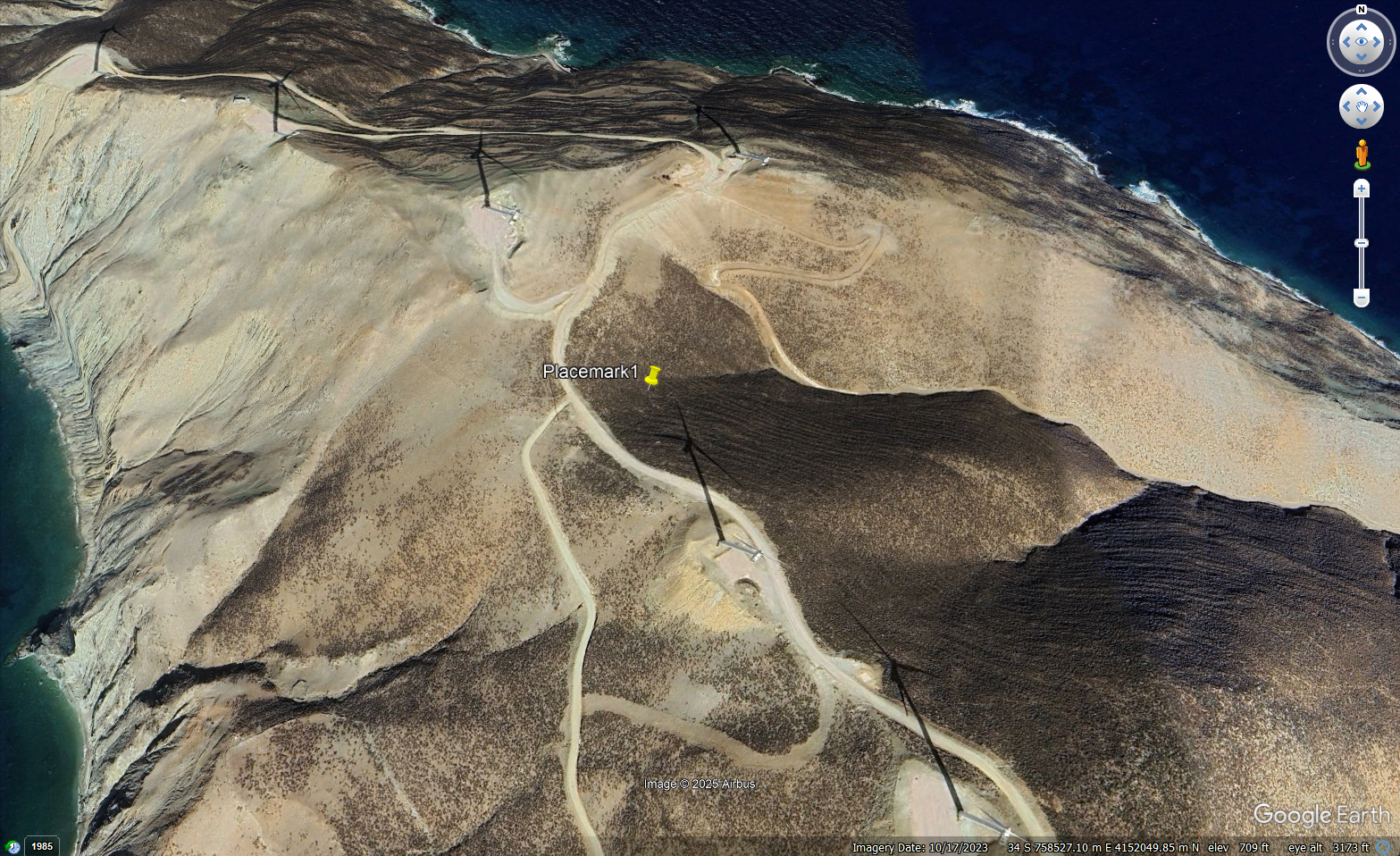
Plex-Earth Feature Spotlight: Visualization
Give your AEC design real-world context with Google Earth.
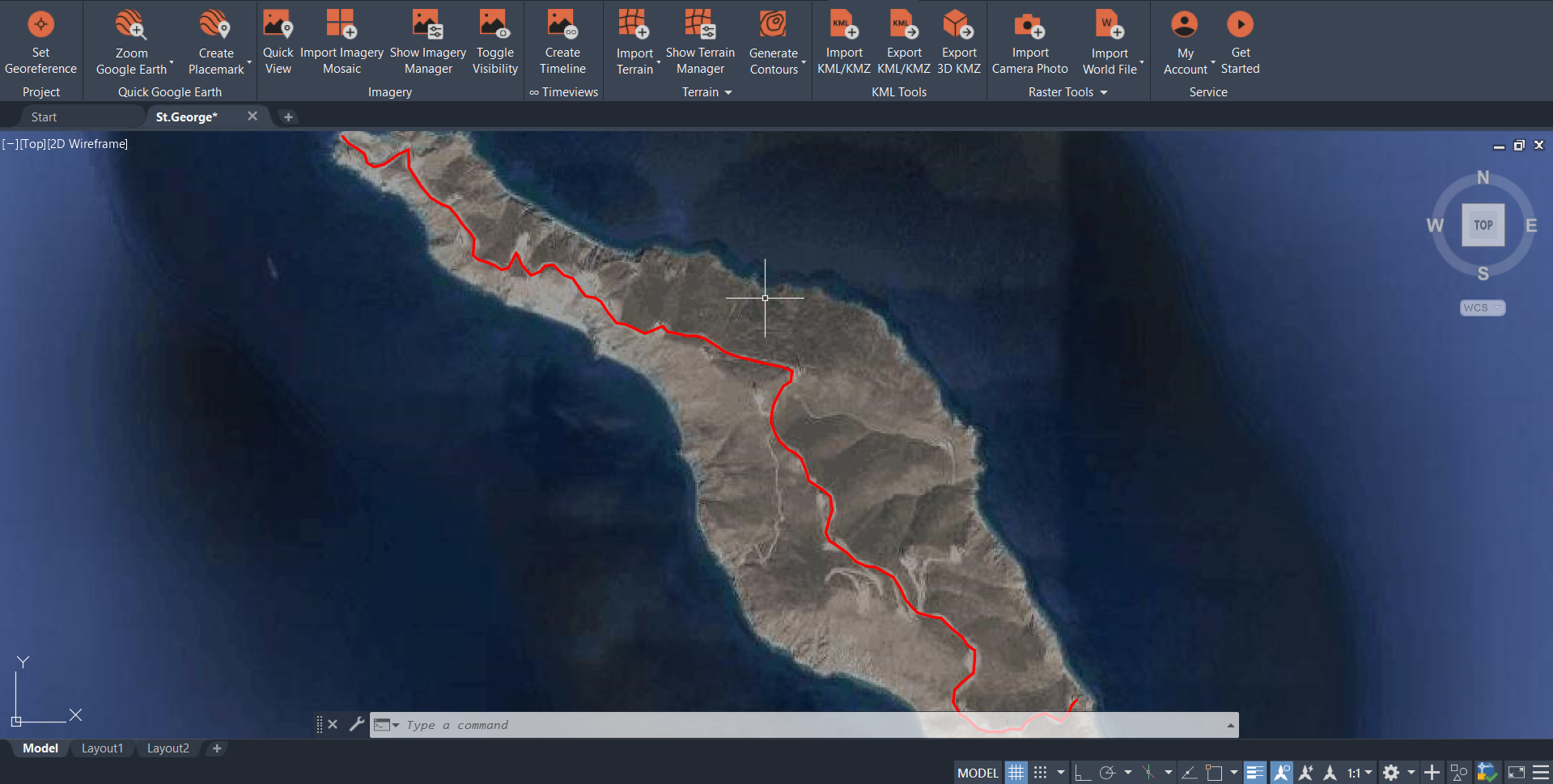
Walk your stakeholders through your design in 3D, not just flat plans.
Export views & flythroughs anyone can open and understand.
Dynamically select which elements are visible in Google Earth.
See your project area as it really looks now.
Export your drawing to Google Earth and keep its layers, styles, and structures, and turn your model into an experience your clients can instantly understand.
Use Plex-Earth’s KML/KMZ tools to export selected 2D or 3D objects from your drawing into Google Earth.
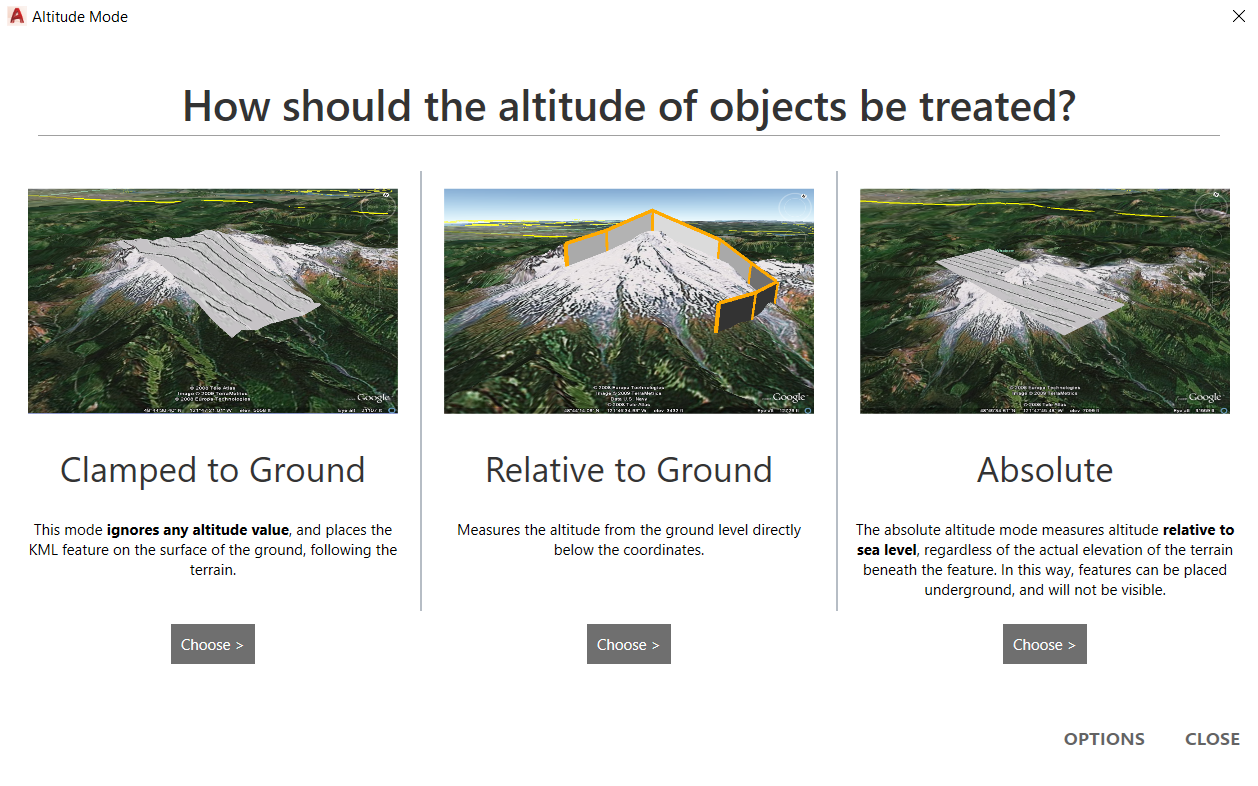
Choose altitude mode (clamped, relative, or absolute), set any styles and properties you want to carry over, to preserve geometry and materials.
Load the file in Google Earth, see your design placed on real terrain and imagery, and use simple flythroughs, views, and screenshots to walk stakeholders through the project.
✔
✔
✔
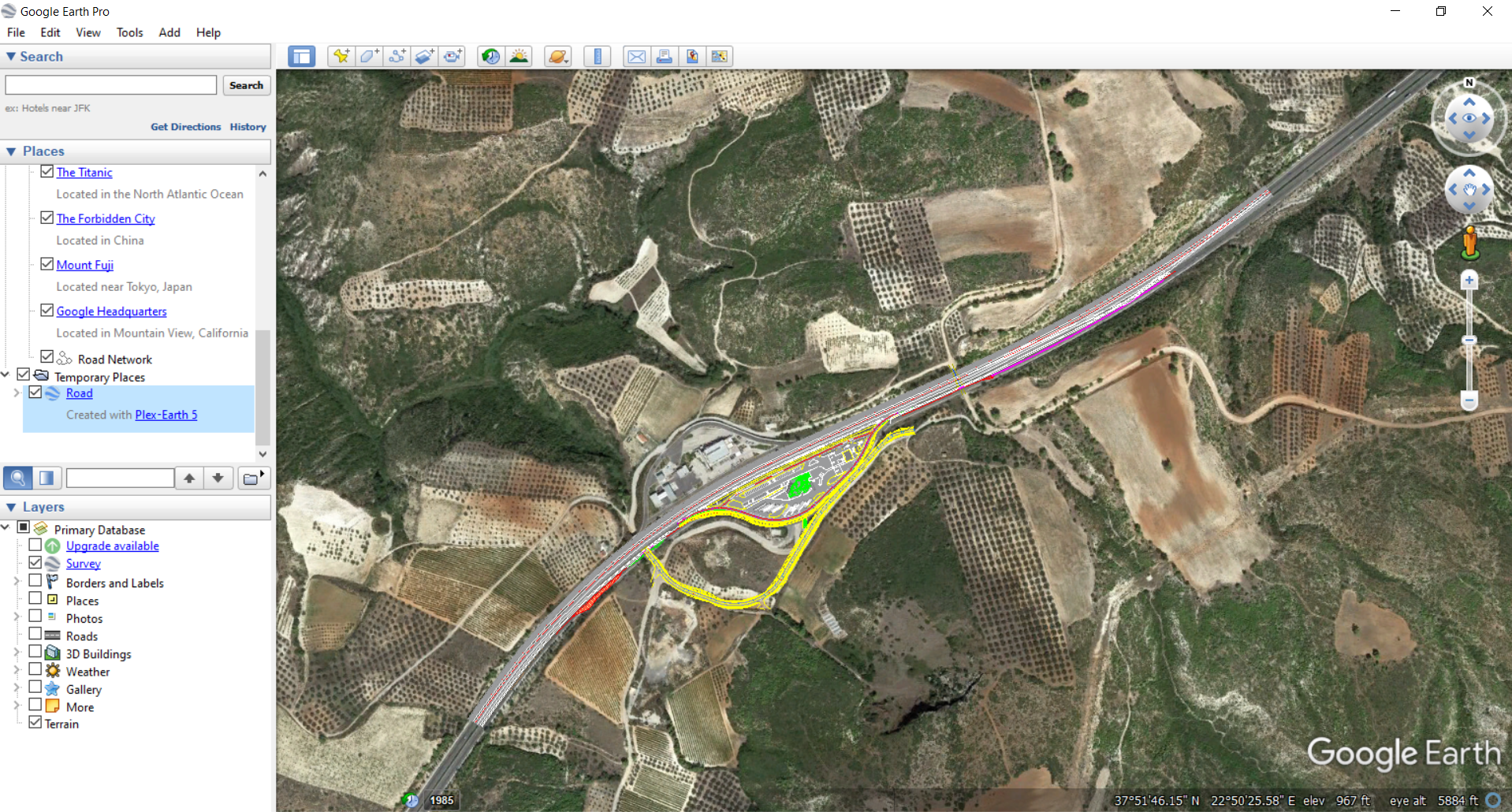
Manage CAD objects and design states in Google Earth.
When you export objects with Plex-Earth, you can control how they sit in Google Earth by choosing the altitude mode: clamped to ground, relative to ground, or absolute..
-
You can export selected 2D and 3D objects from your AutoCAD, Civil 3D, or BricsCAD drawings as KML/KMZ files. That includes lines, polylines, blocks, solids, surfaces and other geometry, so you can show just the parts of the model that matter for your presentation.
-
Yes. Plex-Earth uses your drawing’s georeferencing to place exported objects correctly on the globe. When you open the KML/KMZ in Google Earth, your design appears in the right location on top of real terrain and imagery.
-
Yes. During export you can choose how altitude is treated (clamped to ground, relative to ground, or absolute), so roads, buildings and structures appear where they should in relation to the terrain.
-
Yes. Once you export a KML/KMZ or 3D KMZ file, anyone with Google Earth (desktop) can open it, orbit around the model, and follow saved views or tours. They don’t need CAD software, Plex-Earth, or any plugins installed.
-
A standard KML/KMZ focuses on geometry and basic styling and is ideal for 2D outlines, routes, and simple 3D objects. A 3D KMZ export is used when you want to keep full 3D geometry with materials, surfaces and textures, giving a more detailed visual result in Google Earth.
Plex-Earth Visualization in Google Earth FAQ
Make better decisions with confidence.
Sign up for a free trial of Plex-Earth and see how quickly your team can move from blank drawings to geolocated, visual designs.