
Plex-Earth Feature Spotlight: Terrain
Turn elevation data into design-ready 3D terrain for your next AEC project.
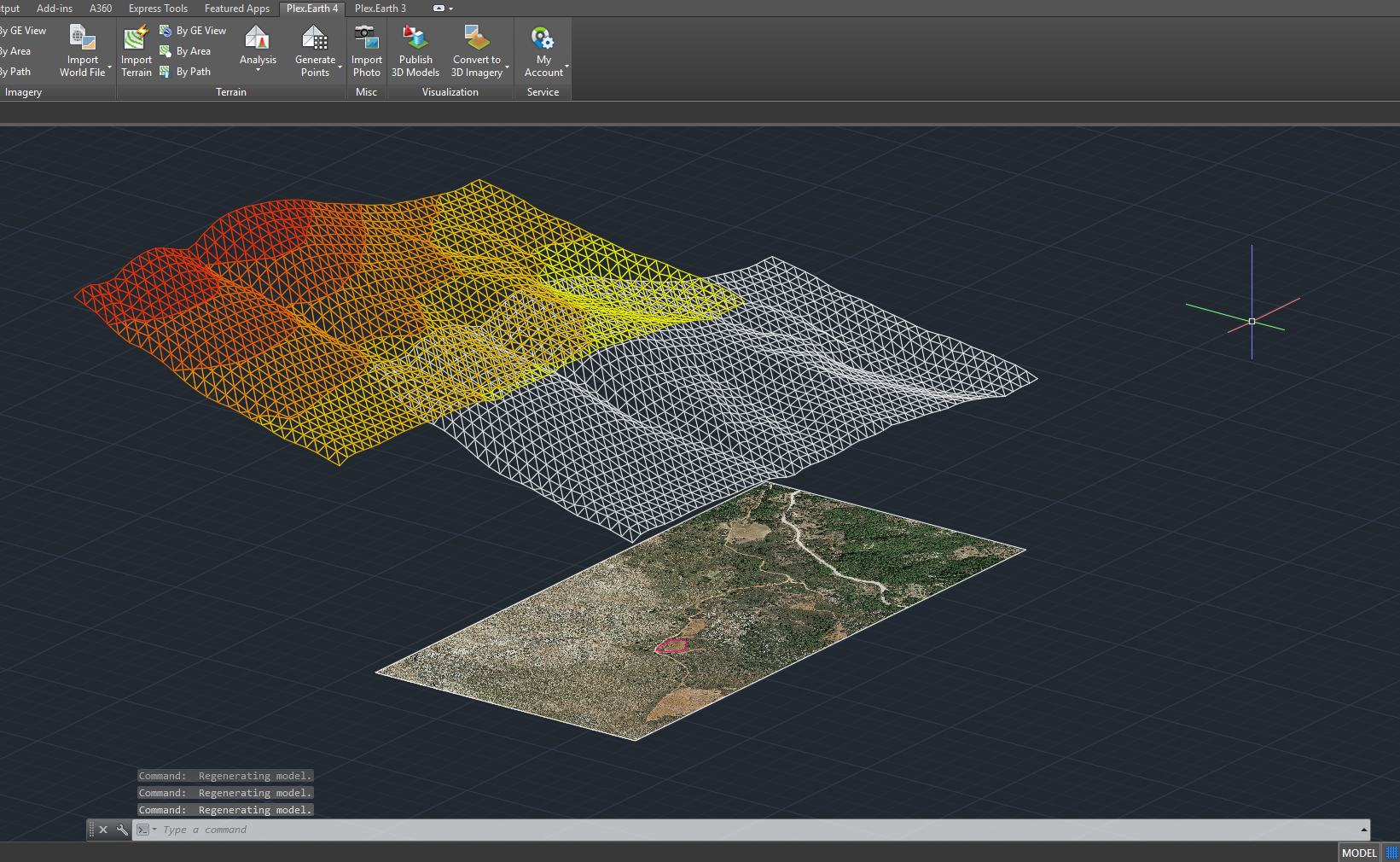
Visualize terrain morphology.
Calculate surface volumes with precision.
Create a terrain mesh from existing contours.
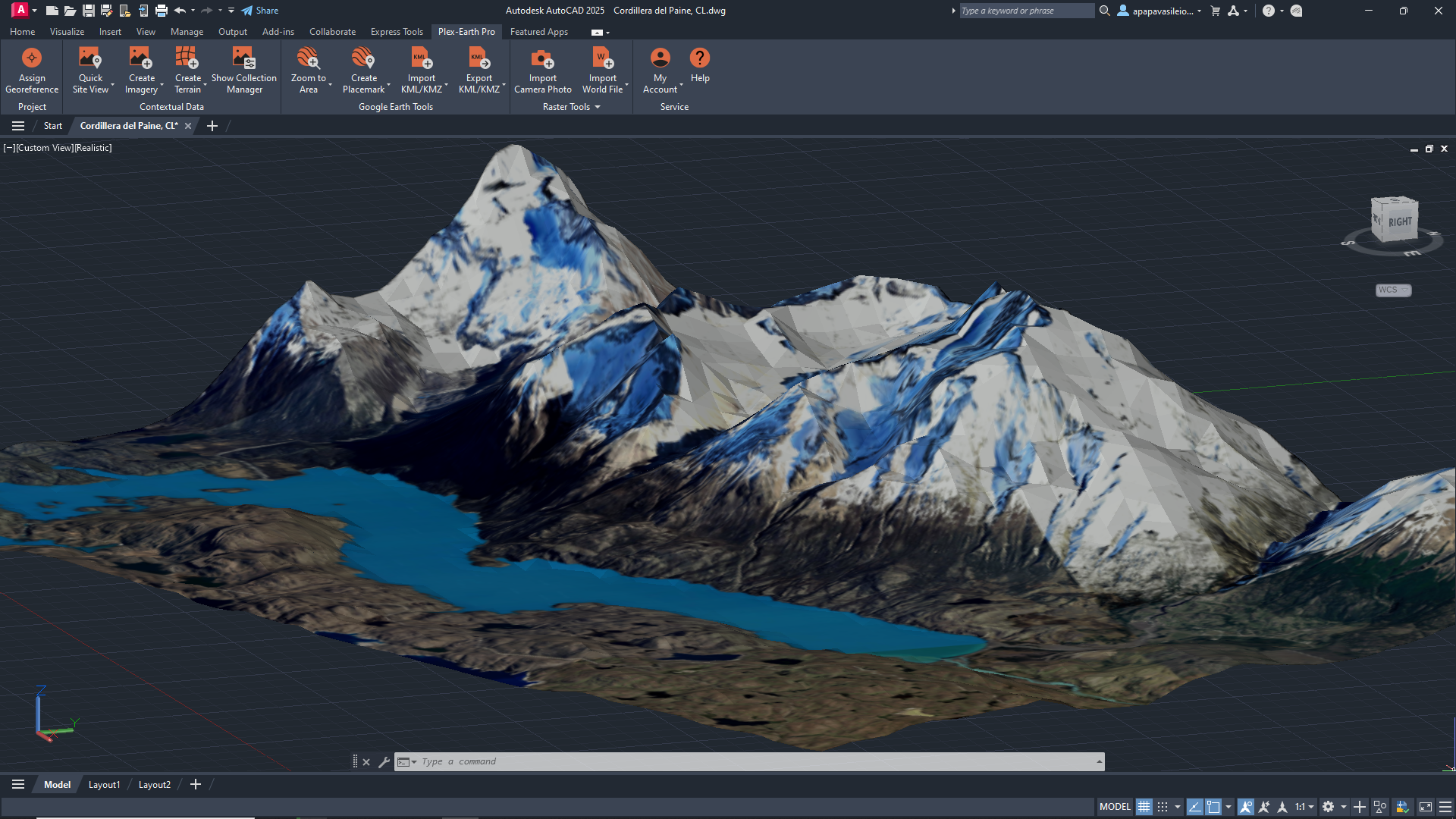
See the real ground you’re designing on.
Plex-Earth takes terrain from sources like Google Elevation, GeoTIFFs, survey files, or existing points and contours and converts it into surfaces, contours, and meshes directly in your favorite CAD tool.
Pull elevation from Google Earth, import GeoTIFF DEMs, or build surfaces from survey files and existing points or contours in your drawing.
Insert terrain as contour polylines, TIN meshes, point clouds, or native Civil 3D surfaces.
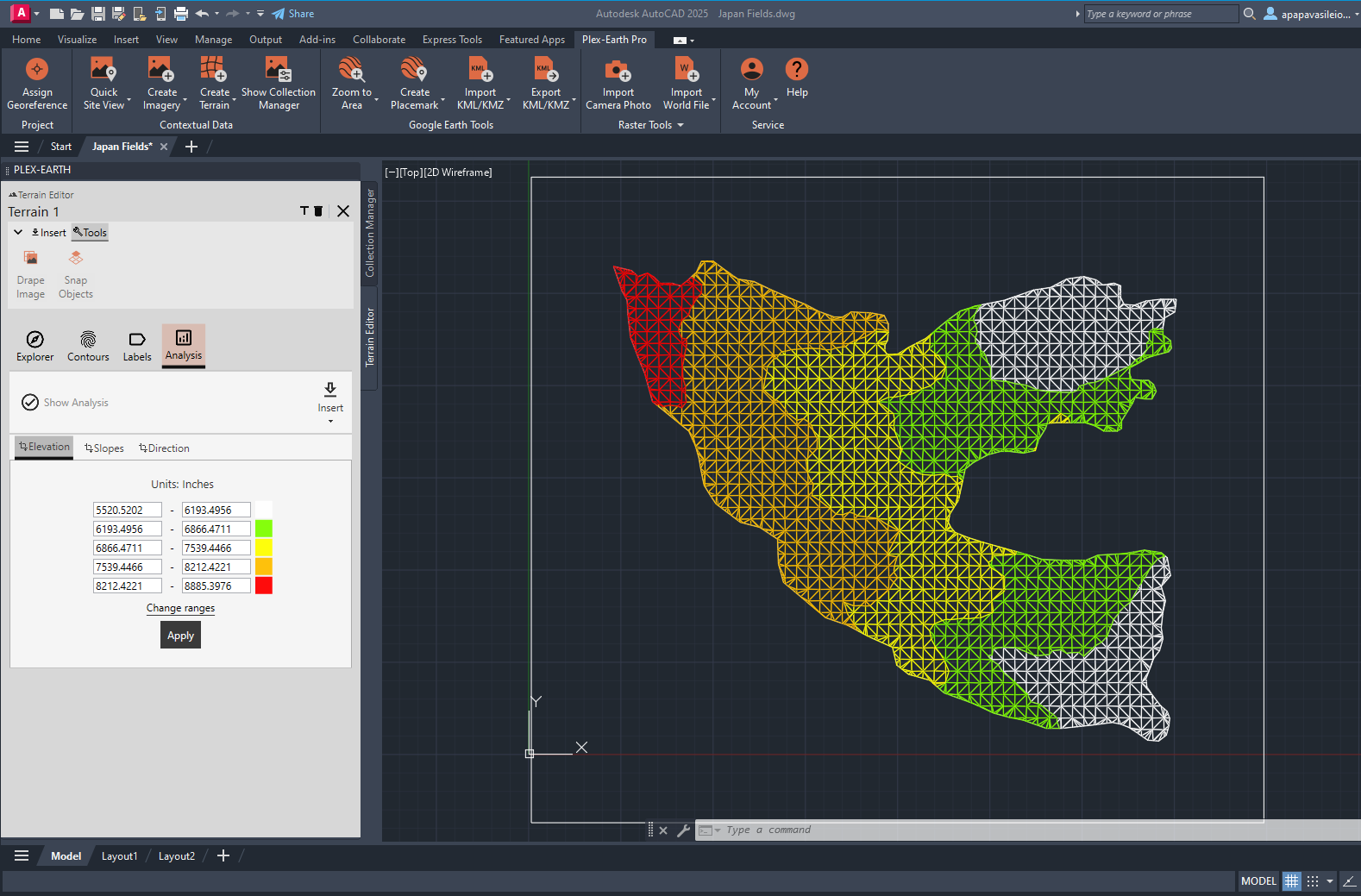
Run terrain analysis (elevation, slope, direction), add contour and elevation labels, and export terrain points to CSV/TXT/XLSX.
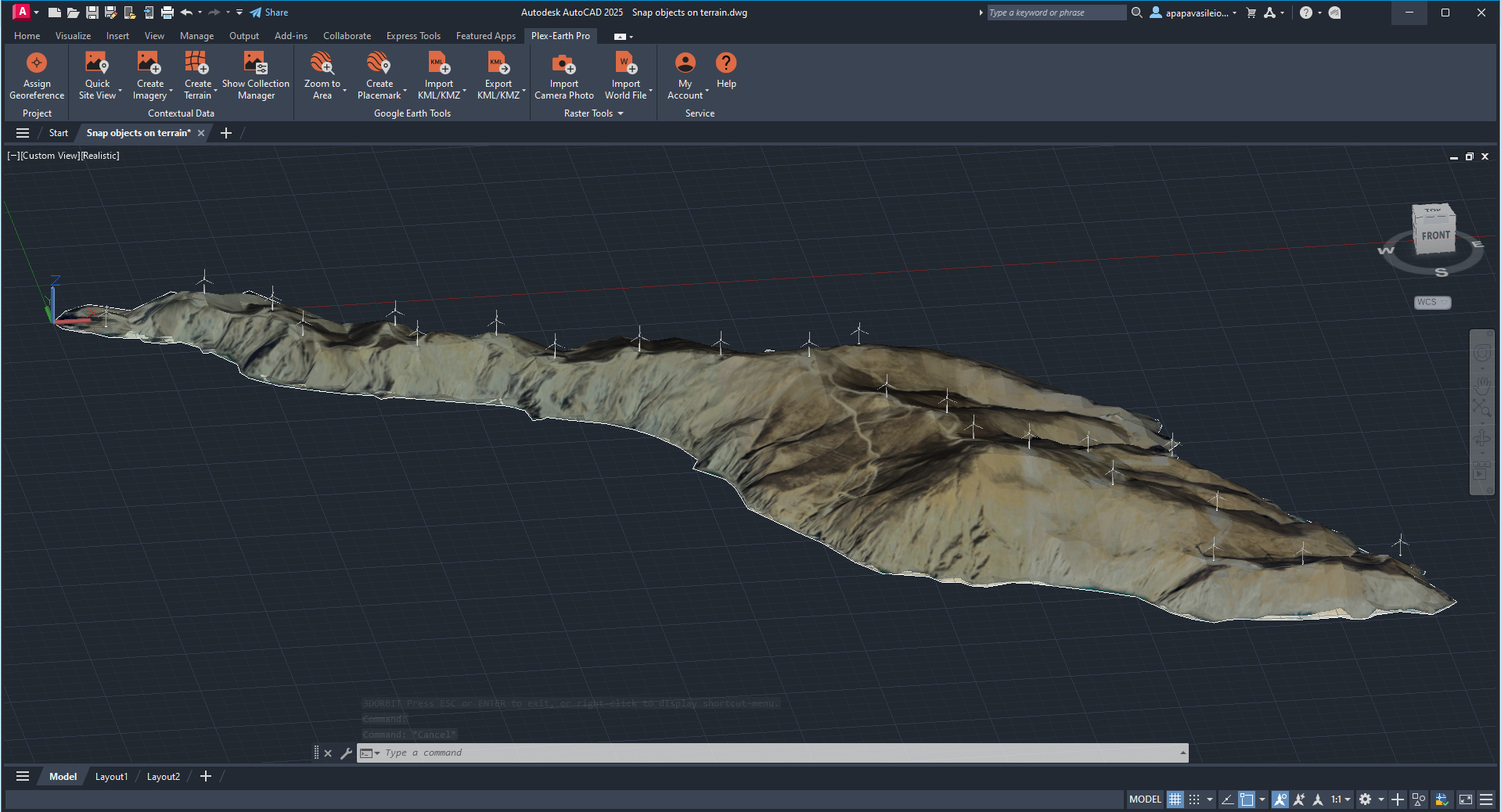
Snap alignments, polylines, and objects to terrain and project them onto the surface for profiles, sections, and height checks.
✔
✔
✔
✔
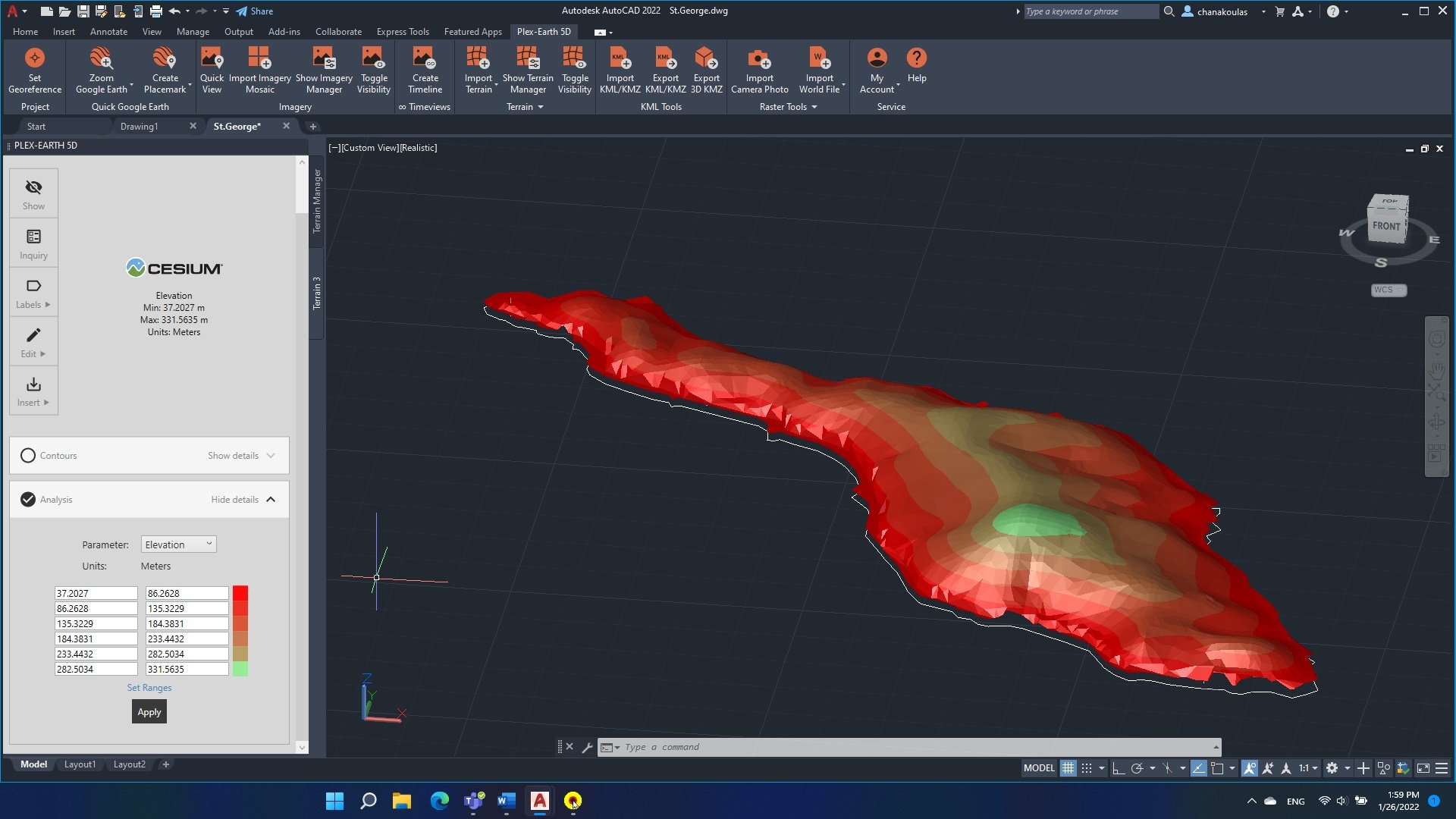
Use terrain surfaces for preliminary cut/fill checks, spot problematic areas, and avoid surprises when you move from concept to detailed grading and earthworks.
Combine terrain with your layout to understand slope, drainage, and access constraints, so you can place pads, arrays, or structures where they actually work.
Terrain analysis is not just a nice-to-have.
Design directly on top of your site with 3D Imagery.
Drape existing imagery mosaics into TIN meshes or terrain surfaces with just a few clicks.
Snap objects to the actual terrain, project lines and alignments, and reuse the same model across drawings as your project evolves.
-
You can build terrain from several sources: online elevation services (for quick global coverage), GeoTIFF/DEM files from national datasets, survey TXT/CSV files with XYZ points, and even existing points and contour polylines already in your drawing. Plex-Earth turns all of these into a consistent surface inside CAD.
-
Terrain accuracy depends on the source data you use. Web elevation and public DEMs are usually excellent for planning, feasibility, and preliminary design, while detailed survey data will give you a higher-precision model. As with imagery, terrain surfaces are a powerful design and analysis layer, but they don’t replace a legal or cadastral survey where regulations require one.
-
You can generate terrain as contour polylines, polyface/TIN meshes, point clouds, or native Civil 3D surfaces. That means you can keep using your usual tools for profiles, sections, volume calculations, and grading workflows without changing how you work.
-
You control how detailed the terrain is. By limiting the area of interest (rectangle, polygon, or corridor) and setting the sampling/grid step, you can keep surfaces light enough for everyday work. If a model becomes too dense, you can regenerate it with a coarser step or split terrain into separate, more manageable areas.
-
Yes. Any terrain surfaces you create while your Plex-Earth license (or trial) is active remain in your drawings. You won’t be able to generate new terrain without an active license, but the surfaces you’ve already created stay in place and can still be used like any other CAD objects.
Plex-Earth Terrain & 3D imagery FAQ
Make better decisions with confidence.
Sign up for a free trial of Plex-Earth and see how quickly your team can move from blank drawings to geolocated, visual designs.