

Plex-Earth Feature Spotlight: Imagery
Bring high-quality satellite and aerial imagery right into your workflow.
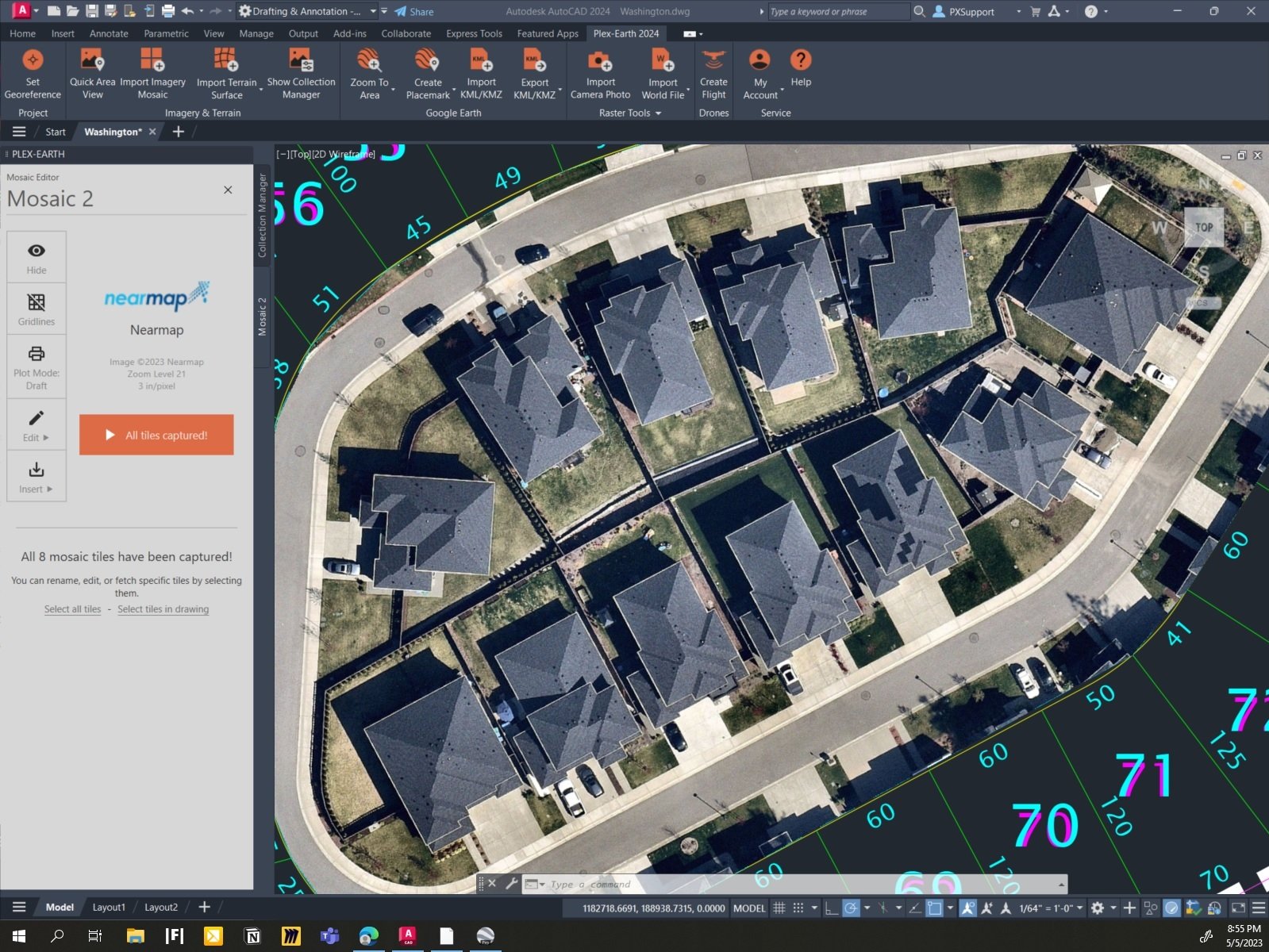
Reliable site imagery from multiple sources.
Import maps with just a few clicks.
Create mosaics for extra fine detail.
See your project area as it really looks now.
Choose from multiple providers based on your project needs, and go from blank layout to context-rich design in minutes.
Georeference your drawing, choose your area of interest, pick a provider, and desired resolution.
Create imagery mosaics, clip to precise boundaries, adjust for visual clarity, and more.
Start with a small area of interest and expand to full sites or corridors as the project evolves.
Custom WMS/WMTS/Tile/ArcGIS services: add your own national, local, or proprietary map servers as imagery providers in seconds.
✔
✔
✔
✔
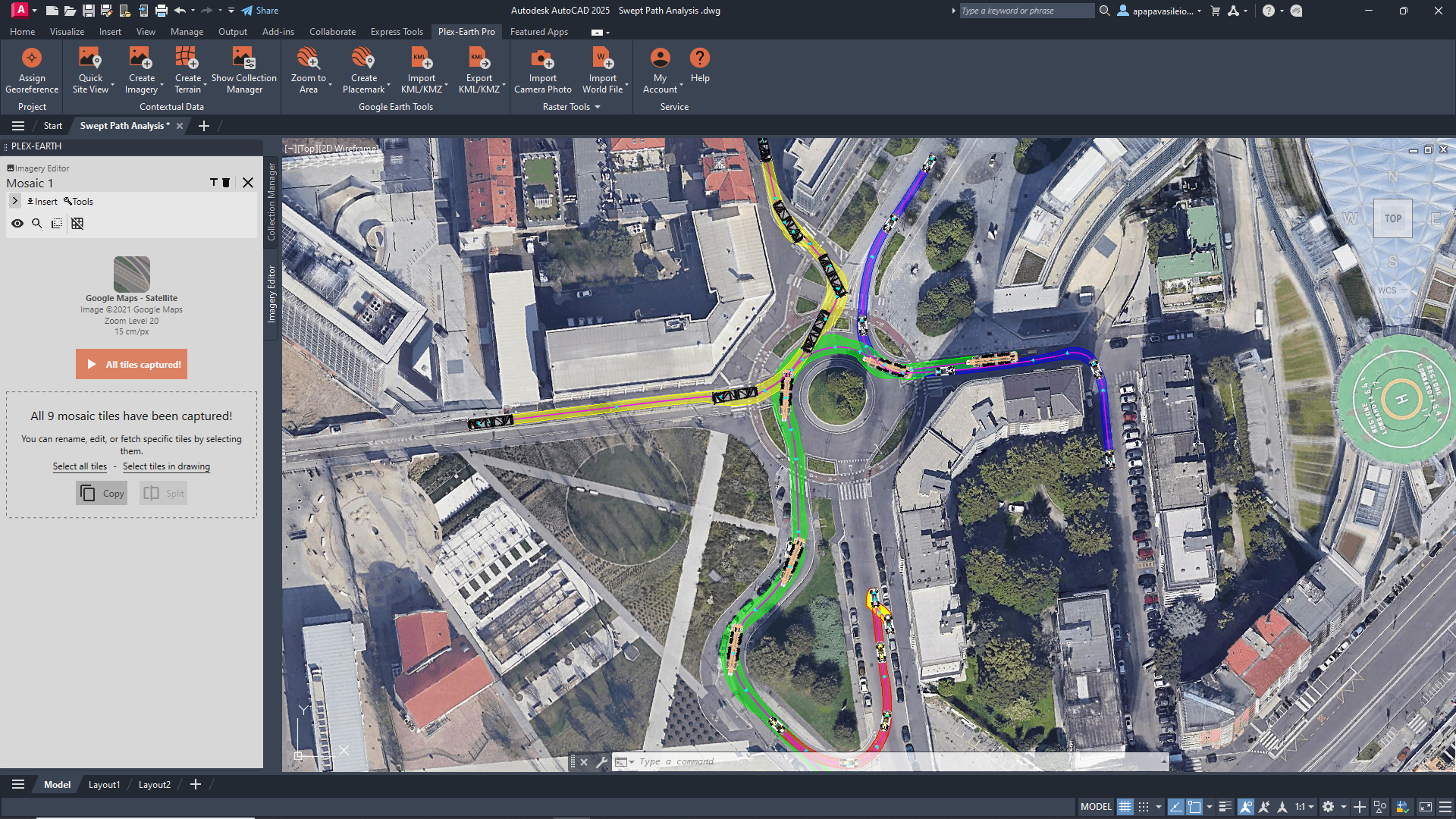
Use basemaps for quick global context.
Basemaps from Google Maps, Google Earth, and Azure Maps give you an immediate view of your site and its surroundings with a familiar interface.
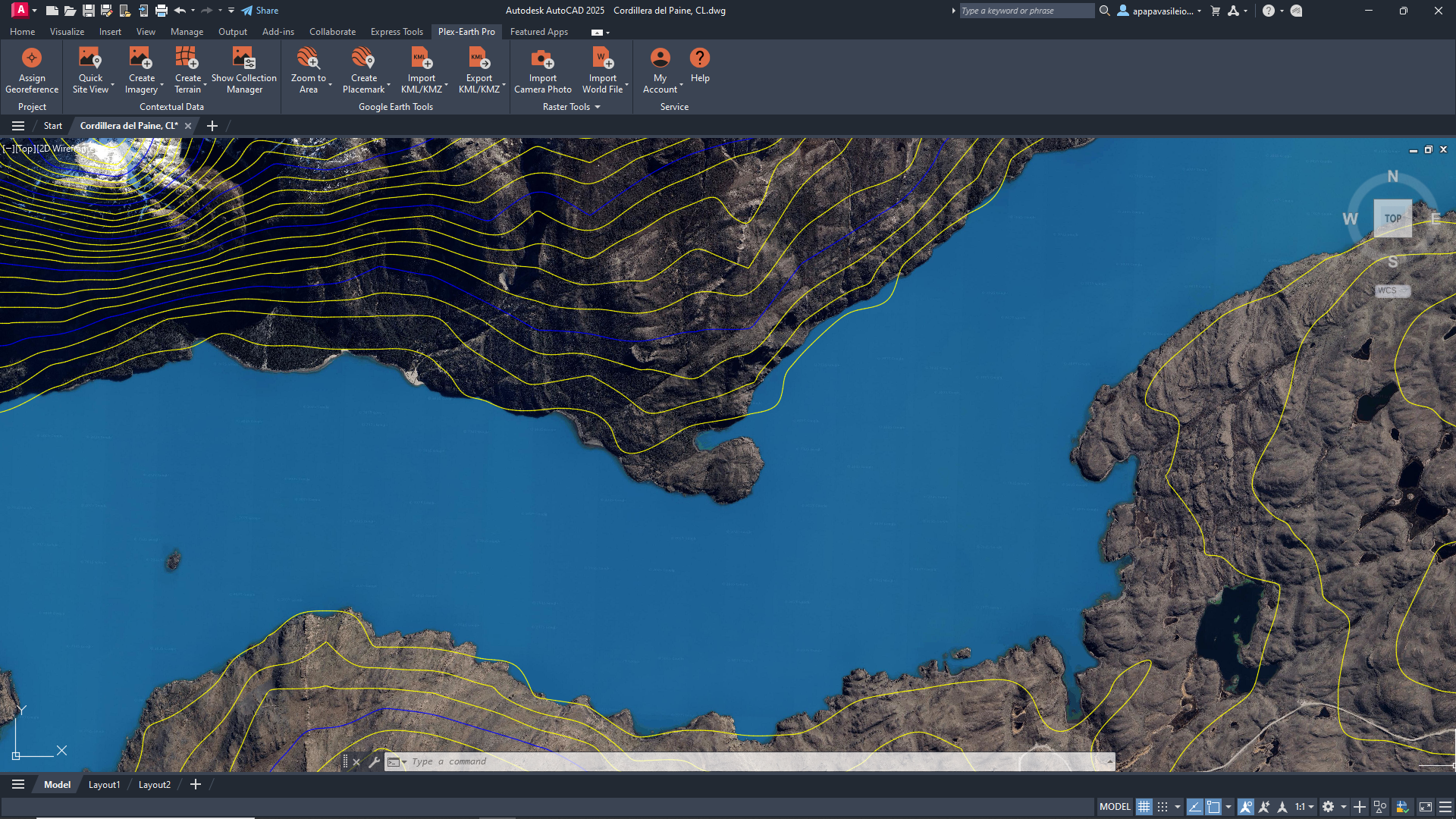



Need more from your aerial imagery?
Access our premium partners without separate contracts.
Plex-Earth plugs your designs straight into imagery from Vexcel, Nearmap, Hexagon, Airbus, Vantor (formerly Maxar), plus familiar basemaps like Google Maps and Azure Maps.





No more nasty surprises. Tap into the freshest high-definition imagery from our Premium Partners.
Imagery as recent as last week, made available within days of the capture
Regularly updated high-interest areas (like major urban centers)
Verify what changed on site before you commit.
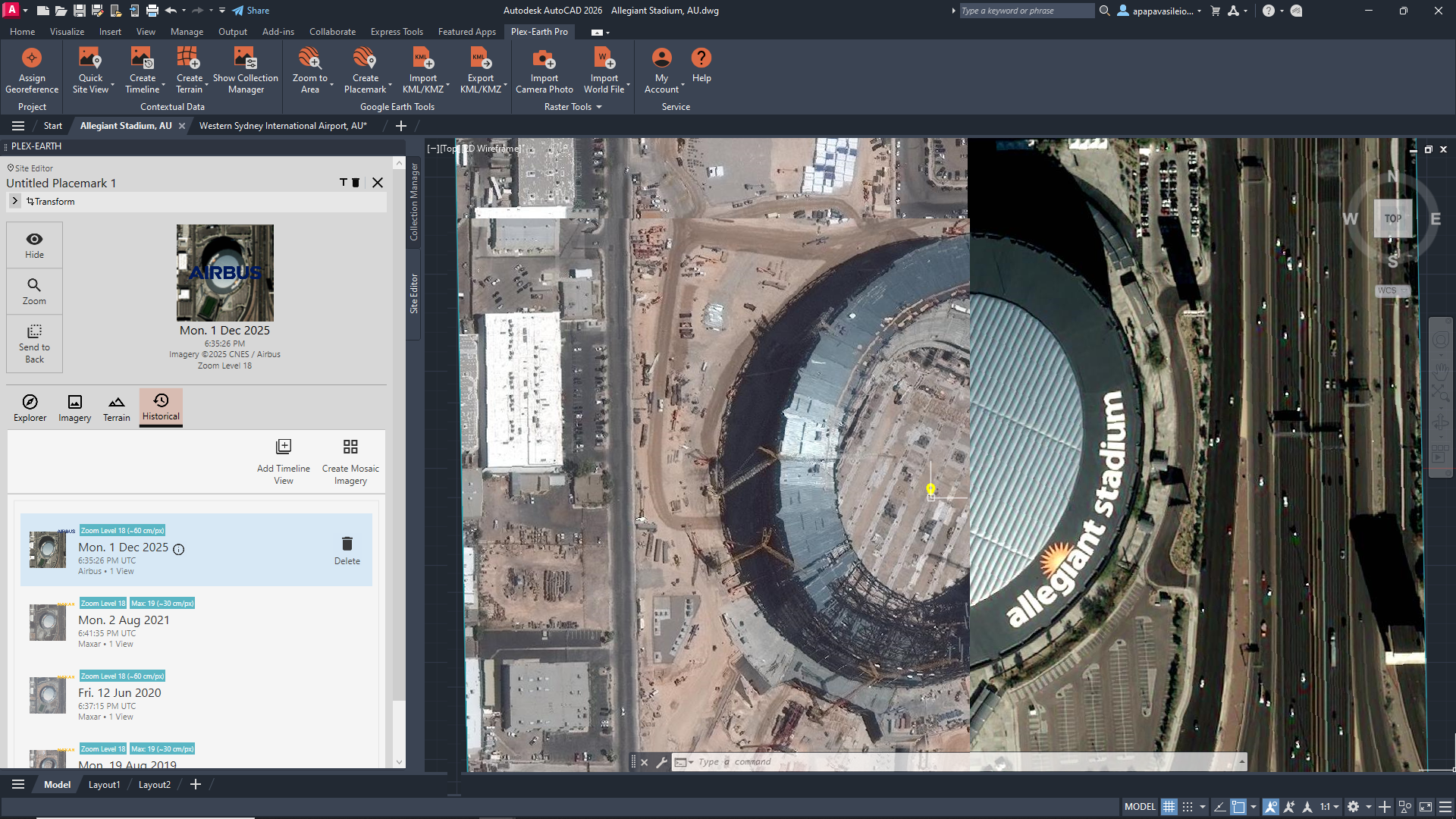
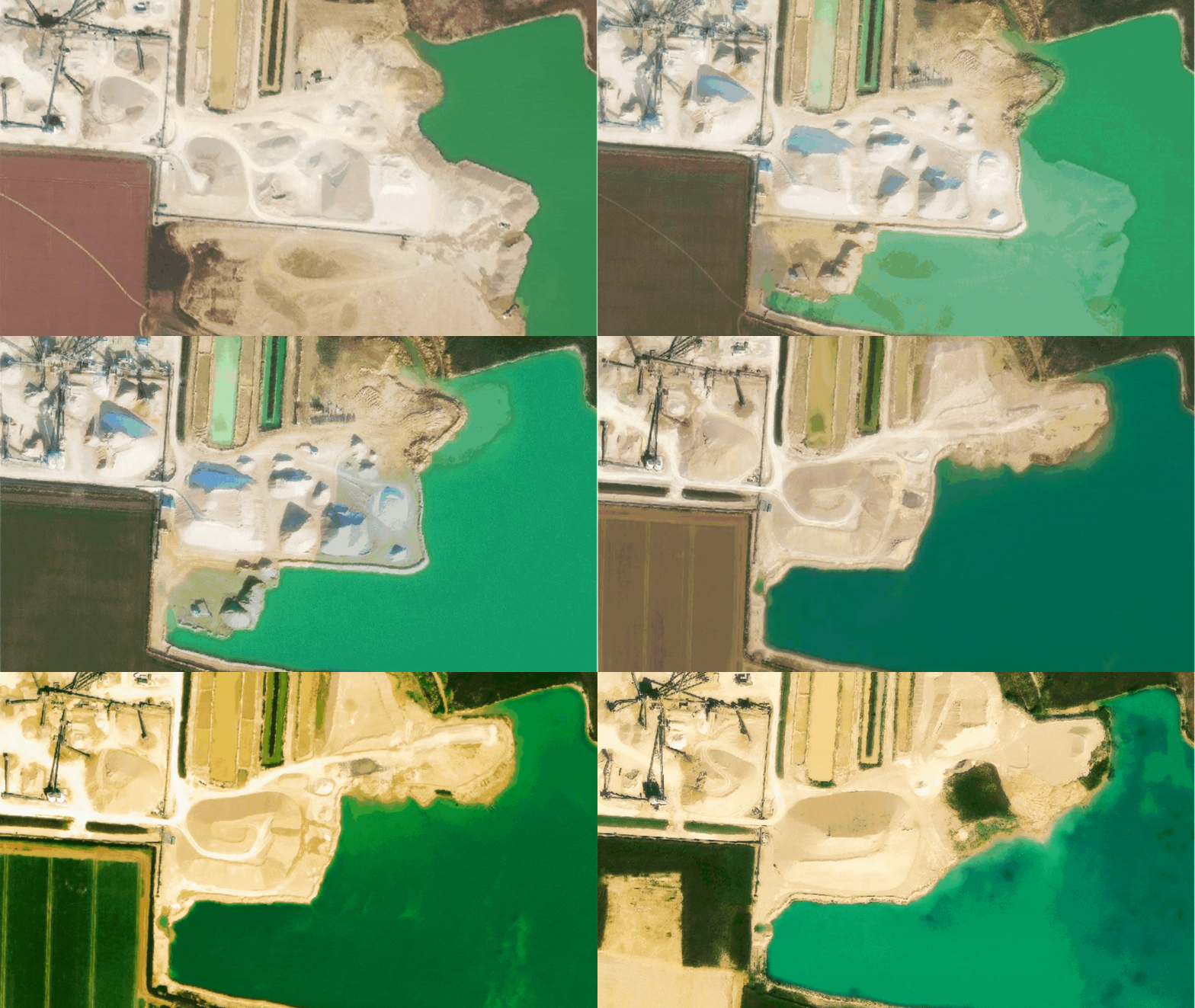
See the change over time.
Sometimes, a single image isn’t enough. Use Timeviews to step through multiple captures of the same area, without changing tools and switching context.
-
Imagery is orthorectified and georeferenced according to the data provided by each source and your drawing’s coordinate system. Resolution and positional accuracy depend on the provider and location, but in many covered areas you can work with high-resolution images that are more than sufficient for planning and preliminary design.
-
The recency depends on the provider and location.
Global basemaps may be a few months or even a few years old, while premium satellite and aerial providers (like Airbus, Vantor (previously Maxar), Hexagon, Nearmap) regularly update high-interest areas, often with imagery from the last months and, in some regions, even the last few days.
In Plex-Earth, each image comes with its capture date, so you always know how current it is for your site. -
No. Imagery is managed entirely inside AutoCAD, Civil 3D, or BricsCAD through Plex-Earth. You select an area, choose a dataset and zoom level, and Plex-Earth handles the georeferencing and mosaics for you, so there’s no need for separate GIS tools or exports.
-
Plex-Earth Imagery is ideal for feasibility studies, early-stage design, reviews, and communication with stakeholders. It is not a replacement for a cadastral survey where regulations or project requirements call for one, and should be treated as a powerful planning and context layer.
-
Any imagery you import into your drawings while your Plex-Earth license (or trial) is active remains in those drawings. You won’t be able to create new imagery without an active license, but you keep using the imagery you already brought into your projects.
Aerial and satelite imagery FAQ
Make better decisions with confidence.
Sign up for a free trial of Plex-Earth and see how quickly your team can move from blank drawings to geolocated, visual designs.